How to Make a Website Without Coding: 7 Simple Steps (2026 Guide)
Learning how to make a website without coding is one of the most useful skills you can pick up in 2026, and the good news is that it takes far less effort than you think. You do not need a developer, a design degree, or a single line of HTML.
With a ready-made template, you can take your idea from a blank screen to a live, professional website in a single afternoon. This friendly, beginner-first guide walks you through the whole process in seven simple steps.
If you have ever felt locked out of building your own site because it seemed too “techy,” relax. The tools have changed. Today the hard part is already done for you, and your only real job is to add your words, your pictures, and your personality.
Can you really make a website without coding?
Yes, you genuinely can, and most modern small-business sites are built exactly this way. A pre-designed template hands you the layout, styling, and finished pages so you never start from zero.
Think of it like moving into a fully furnished apartment instead of building a house brick by brick. The structure is solid and the design is professional. You simply make it yours by swapping in your own content.
So when people ask whether you can really make a website without coding, the honest answer is that millions already have. The barrier is no longer technical skill; it is just getting started, and once you begin you will be surprised how natural it feels.
The reason this works is simple. The most difficult parts of web design, the spacing, the responsive layout, the typography, and the color harmony, are already handled by professional designers. Your creativity goes into the message and the brand, not the machinery underneath.
What you need before you start
Before you build, gather three simple ingredients. None of them require coding knowledge, and all of them are affordable.
- A domain name — your web address, like yourbusiness.com (about $10–15 per year).
- Hosting — the space where your website files live online (many hosts offer one-click setup).
- A template — a complete, ready-to-edit design like the ones you can browse all templates from at Themestations.
That is the entire shopping list. Once you have these three things, the rest is just editing text and pictures.
How to make a website without coding in 7 steps
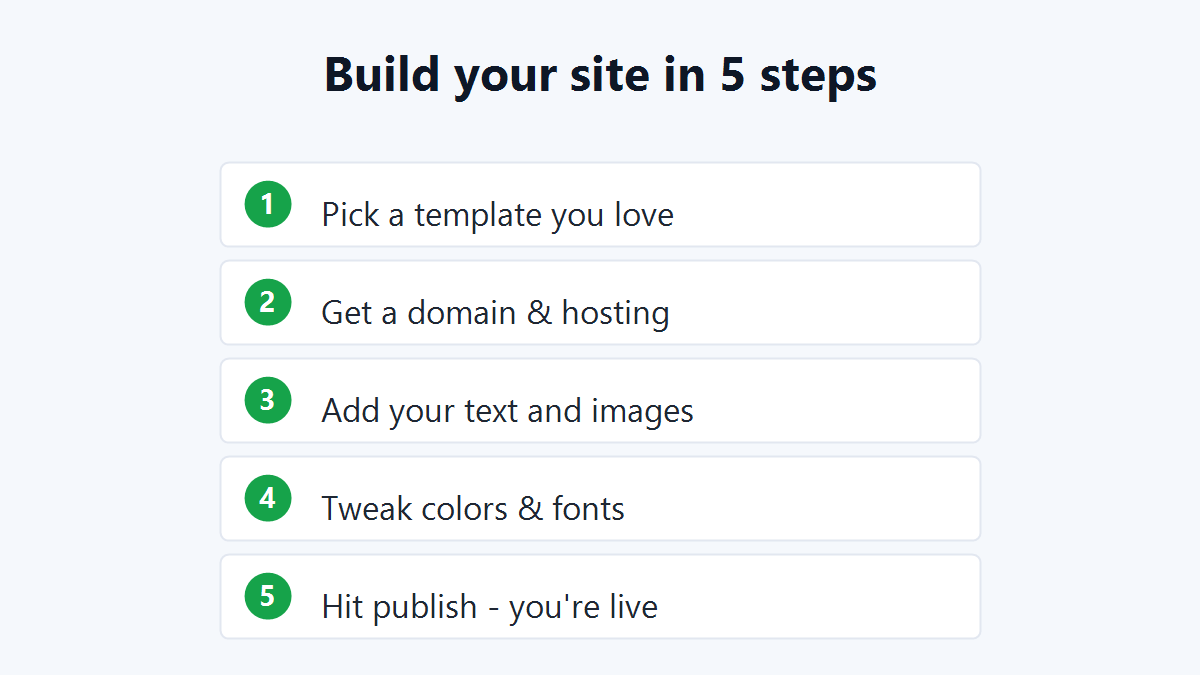
Here is the complete, beginner-friendly process for how to make a website without coding, broken into seven clear steps. Follow them in order and you will have a live site by the end of the day.
- Pick a template you love. Choose a design that matches your goal, a store, a portfolio, a restaurant menu, or a simple business page.
- Buy a domain name. Register a short, memorable web address that reflects your brand or your name.
- Set up hosting. Choose a basic hosting plan; most providers walk you through setup with clear buttons, not code.
- Replace the placeholder text. Open the template files in a free editor and type your own headlines, descriptions, and contact details over the sample text.
- Add your images and logo. Drop in your photos and brand logo, replacing the demo pictures with your own.
- Adjust colors and fonts. Every Themestations template ships with a plain-English README showing exactly where to change brand colors and typefaces.
- Upload and publish. Send the finished files to your host, and your website goes live for the whole world to see.
That is it. Seven steps, no programming, and a result that looks like you hired a professional.
What you can change without touching code
Many beginners assume editing a website means writing software. It does not. Knowing how to make a website without coding really comes down to knowing what is editable, and with a good template that list is long.
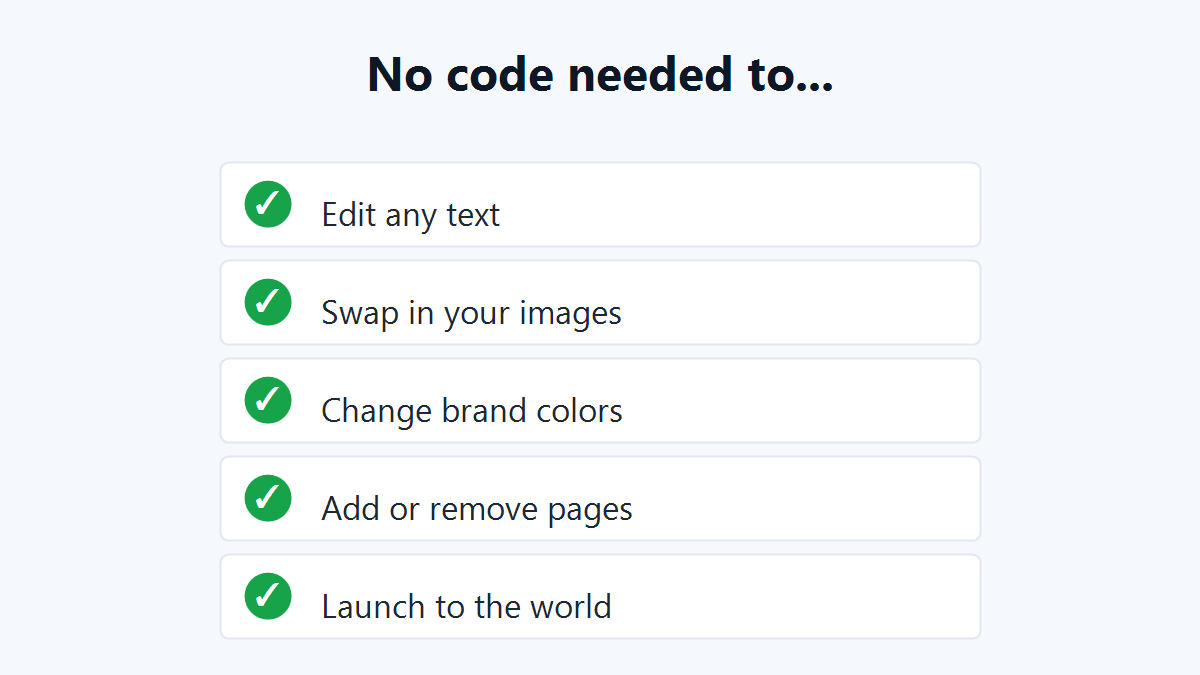
- Edit any text on any page
- Swap in your own photos and logo
- Change brand colors by updating one simple variable
- Add or remove sections and entire pages
- Update prices, hours, and contact details anytime
- Relaunch and refresh your site whenever you like
If you can use a word processor, you already have the skills to manage all of this. There is no hidden technical wall waiting for you.
Template vs. website builder: which is easier?
This is the question almost every beginner wrestles with, so let us compare the two paths honestly.
Website builders
Drag-and-drop builders are beginner-friendly, but they charge a monthly subscription, forever. Miss a payment and your site can disappear. Your design is also locked inside their platform, so moving away later is painful.
Templates
A template is a one-time purchase you own outright. It loads faster, costs less over time, and is just as simple to edit. For most people, this is the smarter, more durable choice. You can compare options in our guide to affordable website templates and decide for yourself.
Common beginner mistakes to avoid
When figuring out how to make a website without coding, a few small missteps trip up newcomers. Steer clear of these and your launch will go smoothly.
- Choosing a template that does not fit. Pick a design built for your industry so you change content, not the whole structure.
- Skipping mobile testing. Always preview your site on a phone, most visitors will see it there first.
- Using huge image files. Compress photos so your pages load quickly and rank better.
- Ignoring the README. The included instructions answer most questions before you even ask them.
- Forgetting basic SEO. Add page titles and descriptions; it only takes minutes and helps people find you.
If you ever want to understand the markup behind the pages, you can learn the basics of HTML in an hour, though it is completely optional for using a template.
The cost of how to make a website without coding
Cost is often the deciding factor, so here is a realistic breakdown for 2026. The numbers behind how to make a website without coding are pleasantly small.
- Domain name: roughly $10–15 per year.
- Hosting: about $3–10 per month for a starter plan.
- Template: a premium design starts around $19, paid once.
Compare that to hiring a developer, who can charge thousands of dollars for the same result. Building it yourself with a template puts a professional site within almost anyone’s budget.
Tips to make your no-code website look professional
A few finishing touches separate an amateur page from one that earns trust. None of them require code.
- Keep your color palette to two or three colors for a clean, consistent look.
- Use high-quality, well-lit photos rather than blurry phone snapshots.
- Write short, clear headlines that tell visitors exactly what you offer.
- Add a clear call-to-action button on every important page.
Small details like these make your finished site feel intentional and polished. Remember that visitors judge a website in seconds, so a clean first impression matters more than fancy features.
What to do after your website is live
Publishing is the beginning, not the end. Once your site is online, a little ongoing care keeps it working hard for you.
- Share the link everywhere. Add it to your social profiles, email signature, and business cards.
- Collect feedback. Ask a few friends or customers what is clear and what is confusing.
- Refresh content regularly. Update offers, photos, and news so the site stays current.
- Watch your traffic. A free analytics tool shows which pages visitors love most.
Because you own the template and edit it yourself, every one of these updates is free and takes only minutes.
Frequently asked questions
Do I need to know HTML for how to make a website without coding?
No. You only edit text and images, which anyone can do. The included README explains every change in plain English, so HTML knowledge is optional.
How long does it take to build a website without coding?
With a template, most beginners go from download to a live site in a single afternoon. Adding lots of content can take a little longer, but the technical part is quick.
Is it really cheaper than hiring someone?
Far cheaper. A developer can cost thousands of dollars, while a premium template starts at $19 as a one-time purchase.
Can I update my website later by myself?
Absolutely. You can change text, swap images, and add pages whenever you want, with no ongoing developer fees.
Will a template work on mobile phones?
Yes. Quality templates are responsive, meaning they automatically adjust to look great on phones, tablets, and desktops.
Start building today
You now know exactly how to make a website without coding — the only thing left is to pick the design that fits your idea. With an affordable template, no developer, and one focused afternoon, your site can be live this week. Browse all Themestations templates from $19 → and start building today.
Ready to launch your own site?
Browse 100+ premium website & Shopify templates — one-time, from $19.
Browse all templates →