Portfolio Website Templates: 8 Best Picks to Get Hired (2026)
Portfolio website templates give designers, developers, photographers, writers, and other creatives a striking, professional site that shows off their work and helps them get hired, for a one-time price starting at $19, with no monthly fees and no design skills required.
Your work deserves a home that makes it look as good as it actually is, and the right template gets you there in an afternoon instead of weeks. Below we break down what these templates are, what a standout portfolio needs, the best picks by profession, and exactly how to launch yours fast.
What are portfolio website templates?
Portfolio website templates are pre-built personal sites designed to put your work front and center. They come with the pages you actually need: a hero, a project gallery, case studies, an about page, and a contact or “hire me” section all ready to fill with your own projects.
Instead of wrestling with a page builder, learning to code, or paying a developer thousands, you simply drop in your work, swap the text, and publish. The structure, spacing, typography, and responsive behavior are already handled by the designer who built it.
Most modern templates are built with clean HTML, CSS, and a little JavaScript, so they load instantly and run on any host. That speed matters a slow, clunky site quietly costs you clients before they ever see your best project.
Think of a template as a professional frame. A skilled designer has already solved the hard layout decisions how much padding feels premium, which font pairings read as confident, how a gallery should flow on a phone. You inherit all of that polish and simply pour your own work into it. The result looks bespoke without the bespoke price tag or timeline.
What a standout portfolio includes (checklist)
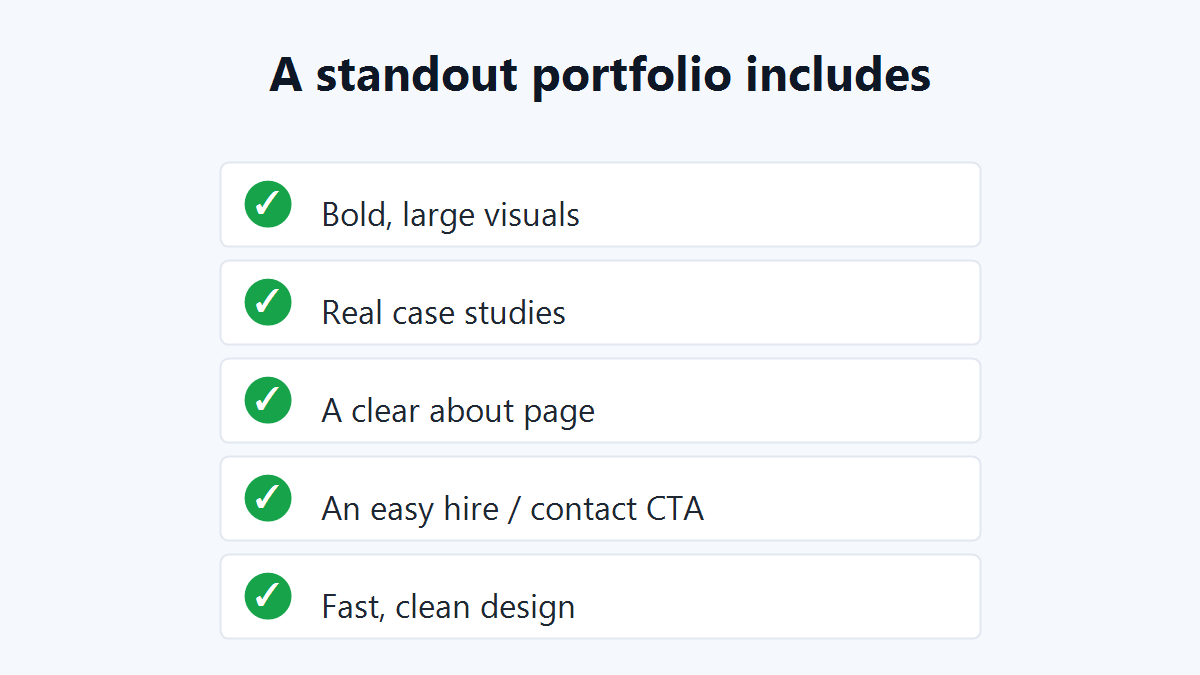
The best creative portfolios all share the same core ingredients. Before you buy, make sure your template covers every item on this checklist:
- Bold, large visuals that let your work breathe instead of cramming it into tiny thumbnails.
- Real case studies that show your process, the problem, and the result not just a pretty picture.
- A clear about page that tells your story and builds trust with the person hiring you.
- An easy hire or contact CTA visible on every page, so interested visitors never hunt for a way to reach you.
- Fast, clean design that loads in under two seconds and feels premium on every device.
- Mobile-first responsiveness, since recruiters and clients increasingly browse on their phones.
Every portfolio template at Themestations is built around these principles, so you start with a strong foundation instead of fixing one.
Best portfolio website templates by profession
Not every creative needs the same layout. Here is how the best portfolio website templates map to different fields, so your design supports your work rather than fighting it.
Designers and illustrators
Go minimal and image-led. Large edge-to-edge thumbnails, generous white space, and a quiet typeface let your visuals be the loudest thing on the page. Add hover effects and dedicated case-study pages to show range.
Developers and engineers
Structure beats flash here. Choose a template with a clear projects grid, room for tech stacks and GitHub links, and a tidy resume section. Recruiters scan fast, so clarity and load speed win interviews.
Photographers and videographers
Full-bleed galleries and lightbox viewers are essential. Look for templates that handle high-resolution images gracefully, support categories or albums, and keep the interface invisible so the imagery dominates.
Writers, marketers, and consultants
Text-forward layouts with strong typography and clipping-style cards work best. Link out to published pieces, highlight results and metrics, and keep an obvious contact button for inbound leads.
Template vs. builder for your portfolio
This is the choice most creatives get stuck on. Drag-and-drop builders feel easy at first, but they lock your work behind a monthly subscription and often a branded subdomain.
A one-time portfolio website template, by contrast, lives on your own domain, loads faster, and is yours forever. For anyone serious about getting hired, that ownership and speed make a far better impression and cost less over time.
There is also a credibility factor. A clean site on yourname.com signals that you take your craft seriously, while a free builder subdomain can read as temporary or amateur.
When a client is deciding between two freelancers, those small signals tip the scale. Owning your platform also means you are never at the mercy of a builder raising prices or shutting down a plan you depend on.
- Builders: recurring fees, slower sites, limited code access, platform lock-in.
- Templates: pay once, full ownership, faster pages, host anywhere, edit freely.
How to build your portfolio in 5 steps
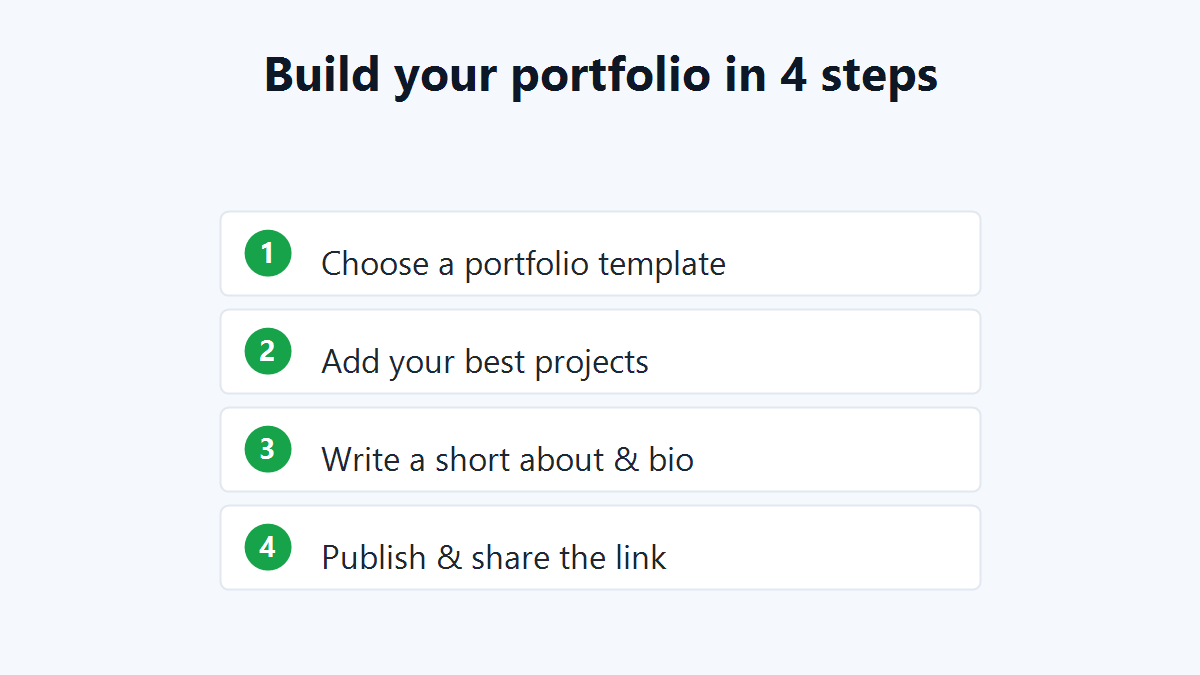
Launching is simpler than most people expect. Follow these steps and you can go live this week.
- Choose a portfolio template that fits your discipline and personal style.
- Add your best projects images, case studies, and links to live work.
- Write a short about and bio so clients instantly know who they’re hiring.
- Connect a custom domain and host it on any standard web server.
- Publish and share the link on your resume, LinkedIn, and social profiles.
If you want to compare options first, you can browse the full library of all templates and shortlist a few favorites before you commit.
How to choose the right portfolio template
Pick a design that complements your work rather than competing with it minimal and clean for visual fields, structured and detailed for developers or writers. The template should frame your projects, never upstage them.
Beyond looks, weigh the practical details. Strong portfolio website templates share a handful of non-negotiable features:
- Fully responsive design that looks sharp on phones, tablets, and desktops.
- A working gallery or grid with smooth, fast image loading.
- Clean, well-commented code so edits stay simple.
- An obvious contact form or hire CTA.
- SEO-friendly markup so you can be found in search.
For inspiration on layouts and presentation that win clients, study leading creative profiles on Behance before you finalize your pick.
Mistakes to avoid with portfolio website templates
A great template still needs a careful hand. These are the errors that quietly sink otherwise strong portfolios:
- Showing everything. Curate ruthlessly six excellent projects beat twenty average ones.
- Skipping context. A thumbnail without a story leaves clients guessing. Add a sentence or two on each piece.
- Hiding contact details. If hiring you takes more than one click, you’ll lose leads.
- Ignoring load speed. Compress images so your striking design doesn’t crawl.
- Leaving placeholder text. Always replace demo copy with your real bio and project notes.
How much do portfolio templates cost?
Pricing is one of the biggest advantages of going the template route. At Themestations, complete portfolio designs start at just $19 as a one-time purchase no subscriptions and no surprise renewals.
Compare that to a builder at $14 to $30 every month, or a custom-built site that can run into the thousands, and the math is clear. You get a polished, professional result for the price of a single lunch out, and you keep it for good.
Frequently asked questions
Which portfolio website templates are best for designers?
A minimal, image-led template with large thumbnails and dedicated case-study pages works best, so your visuals stay the hero and your skill speaks for itself.
Do I need coding skills to set one up?
No. You only swap in your own projects and text. Each template includes a README that walks you through every change in plain language.
How long does it take to launch a portfolio?
Most people go live in a single afternoon. Gathering your best work usually takes longer than editing the template itself.
Can I use one template for multiple disciplines?
Yes. Many templates support categories or sections, so a designer who also writes or photographs can organize everything under one clean site.
Are these templates good for SEO?
The best ones ship with clean, semantic markup and fast load times the two foundations search engines reward, helping clients discover you organically.
Showcase your work and get hired today
A great portfolio website template turns your projects into your strongest sales pitch it works for you around the clock, in front of every client and recruiter who clicks your link.
Stop letting good work hide on a slow, generic page. Browse portfolio templates from $19 →, drop in your best projects, and go live this week to start getting hired faster.
Ready to launch your own site?
Browse 100+ premium website & Shopify templates — one-time, from $19.
Browse all templates →