9 Best Interior Design Website Templates for 2026
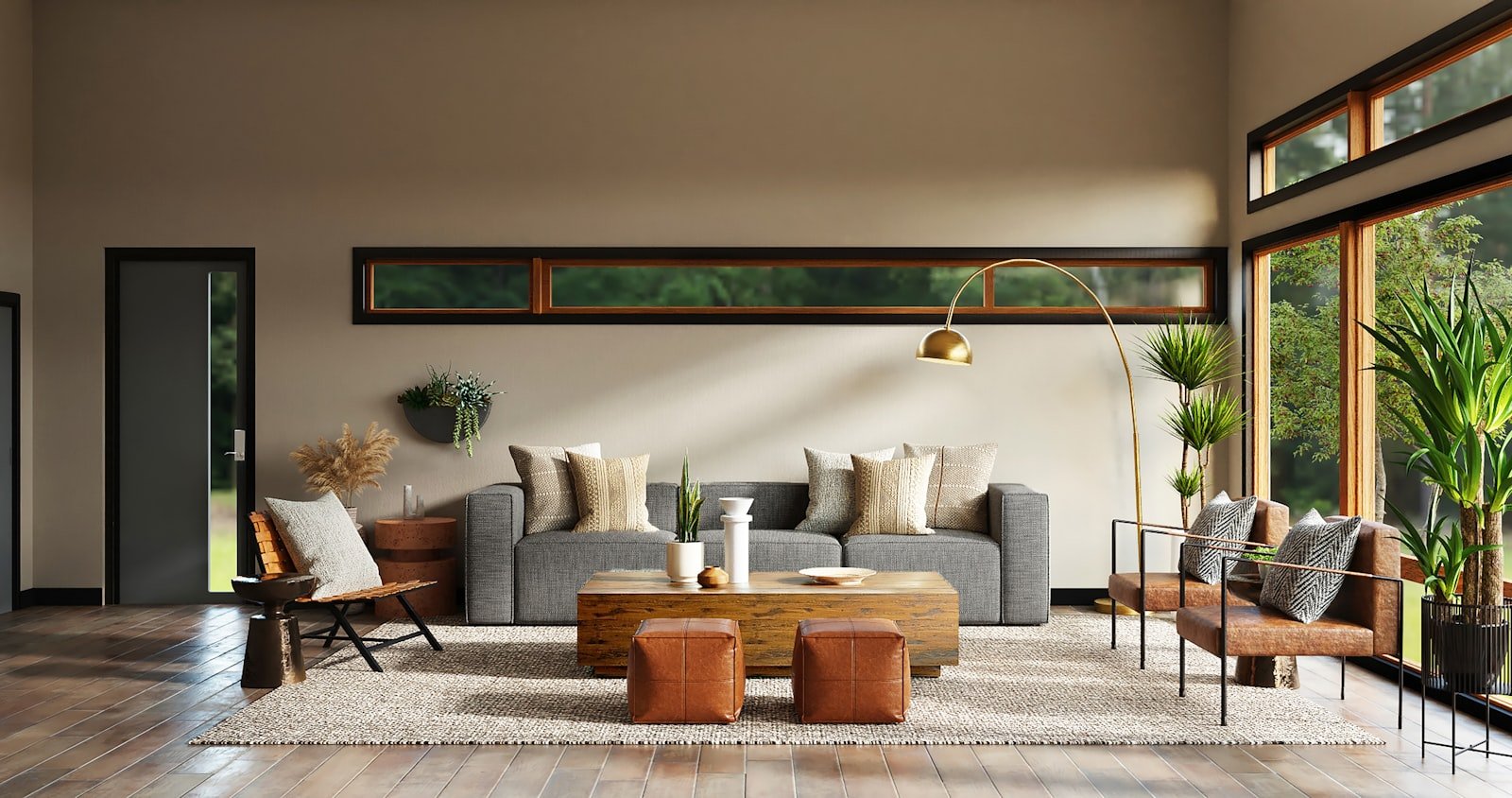
The best interior design website templates do one thing above all else: they make your work look as considered online as it does in person. Interior design is a visual, trust-led business clients hire you from a handful of photographs and a feeling that you understand their taste.
A cluttered, slow, or generic site undermines that instantly, while a calm, image-led one wins the enquiry before you have said a word. Below are nine of the best interior design website templates for 2026, plus a practical guide to choosing, costing, and launching one this week. See how we design and build our themes with performance in mind, guided by Google’s web.dev performance standards.
Table of contents
- What makes a great interior design template
- The 9 best interior design website templates
- How to choose the right one
- Features that win design clients
- Who each template suits
- Common mistakes to avoid
- How much do they cost?
- How to launch fast
- Why choose Themestations
- FAQ
What makes the best interior design website templates
Before the list, it helps to know what separates a template that books consultations from one that merely looks pretty. Interior design sites have unusual demands enormous photographs, long project stories, and a client who is browsing on a phone between meetings. The best interior design website templates share a handful of essentials:
- Full-bleed, fast-loading photography: your rooms need room. Large images that stay sharp without stalling the page on mobile data.
- Project case-study pages: a proper layout for the brief, the process, the materials, and the finished result, not just a grid of thumbnails.
- Before-and-after support: the single most persuasive thing an interior designer can show, and surprisingly rare in generic templates.
- Restrained typography and generous white space: the design of the site should never compete with the design work on show.
- An obvious enquiry path: a contact form, a consultation booking link, and a phone number that follow the visitor down the page.
- A services and pricing page: clients want to know whether you do full renovations, e-design, or styling before they call.
- One-time, affordable pricing: a modest cost you pay once, not another monthly subscription on top of your tools.
The 9 best interior design website templates in 2026
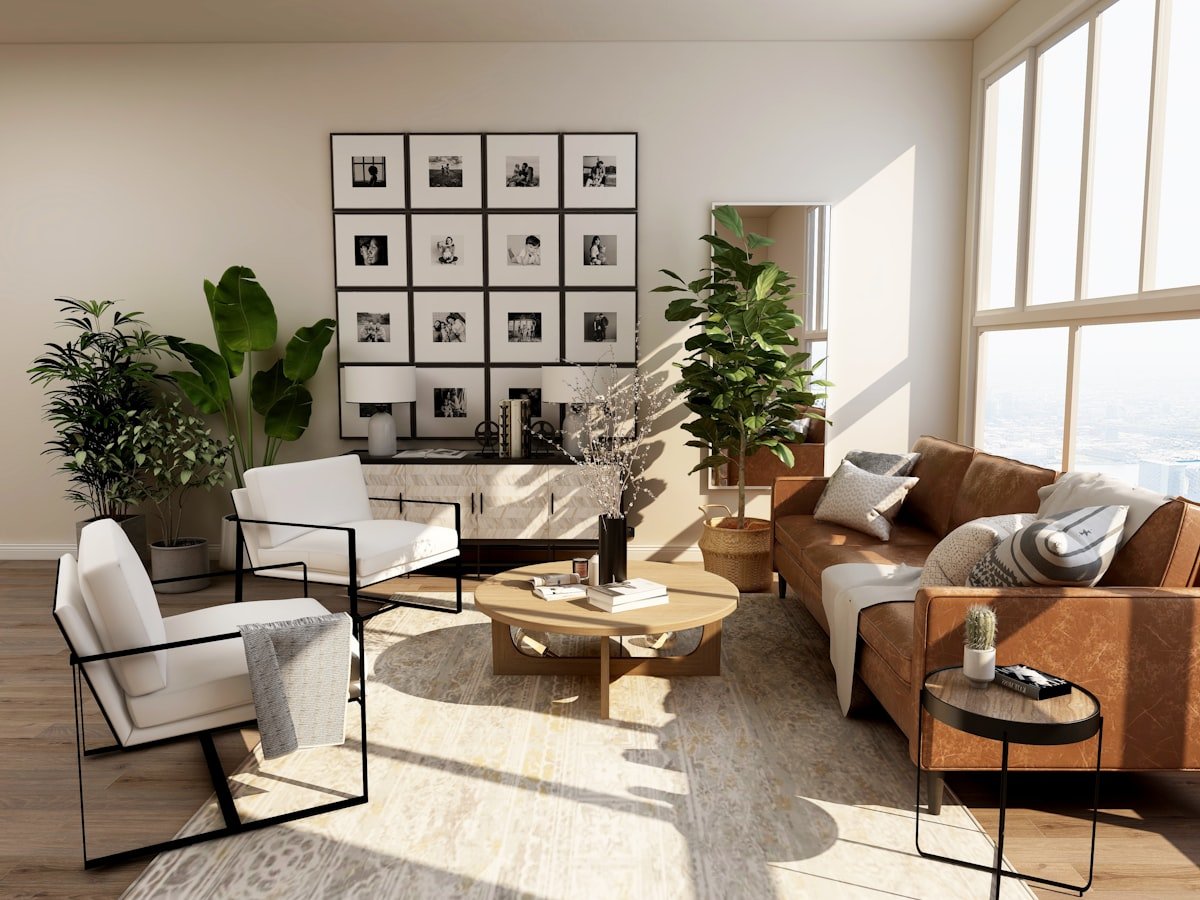
The first three picks below are real, ready-to-launch templates you can buy and edit today. The remaining six are style archetypes the recognisable layout patterns that work for interior designers so you can identify what you actually want before you commit. Browse the whole range in the creative templates collection at Themestations.
1. Forma — Interior Design Studio
The flagship pick, and the obvious starting point if interiors are your business. Forma is built specifically for design studios: full-width project galleries, dedicated case-study pages with room-by-room breakdowns, a services section that handles everything from full renovations to e-design consultations, and a calm, editorial aesthetic that lets the photography carry the page. It is a one-time $34, which makes it comfortably the cheapest credible way to look like an established studio.
2. Atelier — Creative Design Studio
A broader creative-studio template (one-time $34) for designers whose work spans interiors alongside styling, art direction, or product. Atelier leads with a bold, gallery-first homepage and flexible project pages, so it suits a multidisciplinary practice that does not want to be boxed in as strictly an interiors firm. Choose it if your portfolio is wider than rooms.
3. Axis — Architect Portfolio
A precise, architectural take on the portfolio at a one-time $29. Axis is structured around drawings, plans, and large-format project photography, with a restrained grid and plenty of white space. It is the right pick for designers working closely with architects, handling structural renovations, or presenting technical work alongside the styled final shots.
4. Minimal Editorial Portfolio style
A stripped-back archetype with enormous images, a tiny navigation, and almost no visible interface. Type is set small and sparse; the work fills the screen. Best suited to high-end residential designers whose clients arrive already convinced and simply want to see taste confirmed. The risk is that it can feel cold if your photography is not consistently strong.
5. Warm Residential Studio style
Softer and more approachable muted earth tones, rounded imagery, a friendly headshot, and testimonials near the top. This archetype trades a little prestige for a lot of warmth, which is exactly right for designers working on family homes where the client relationship matters as much as the result.
6. Before-and-After Showcase style
Built entirely around transformation. Every project leads with a paired or sliding before-and-after view, and the copy focuses on the problem solved rather than the aesthetic achieved. Extremely effective for renovation-led practices and for converting visitors who are not yet sure a designer is worth the money.
7. Luxury Interiors & Hospitality style
Dark backgrounds, gold or brass accents, serif headlines, and slow, cinematic image transitions. This archetype signals price before it signals style, which is the point it suits designers working on boutique hotels, restaurants, and high-value residential where a premium feel filters enquiries in the right direction.
8. E-Design & Virtual Consultation style
A more commercial, product-shaped archetype for designers selling packaged services mood boards, room plans, and shopping lists delivered remotely. It leads with clear tiers and prices rather than a portfolio, and includes a booking flow. Ideal if you want to scale beyond hourly local work.
9. Interior Design Blog & Content style
A content-forward archetype where the portfolio sits alongside a genuine blog on materials, sourcing, and trends. Slower to pay off, but the most durable route to organic traffic and increasingly how homeowners find designers in the first place.
How to choose the right interior design template
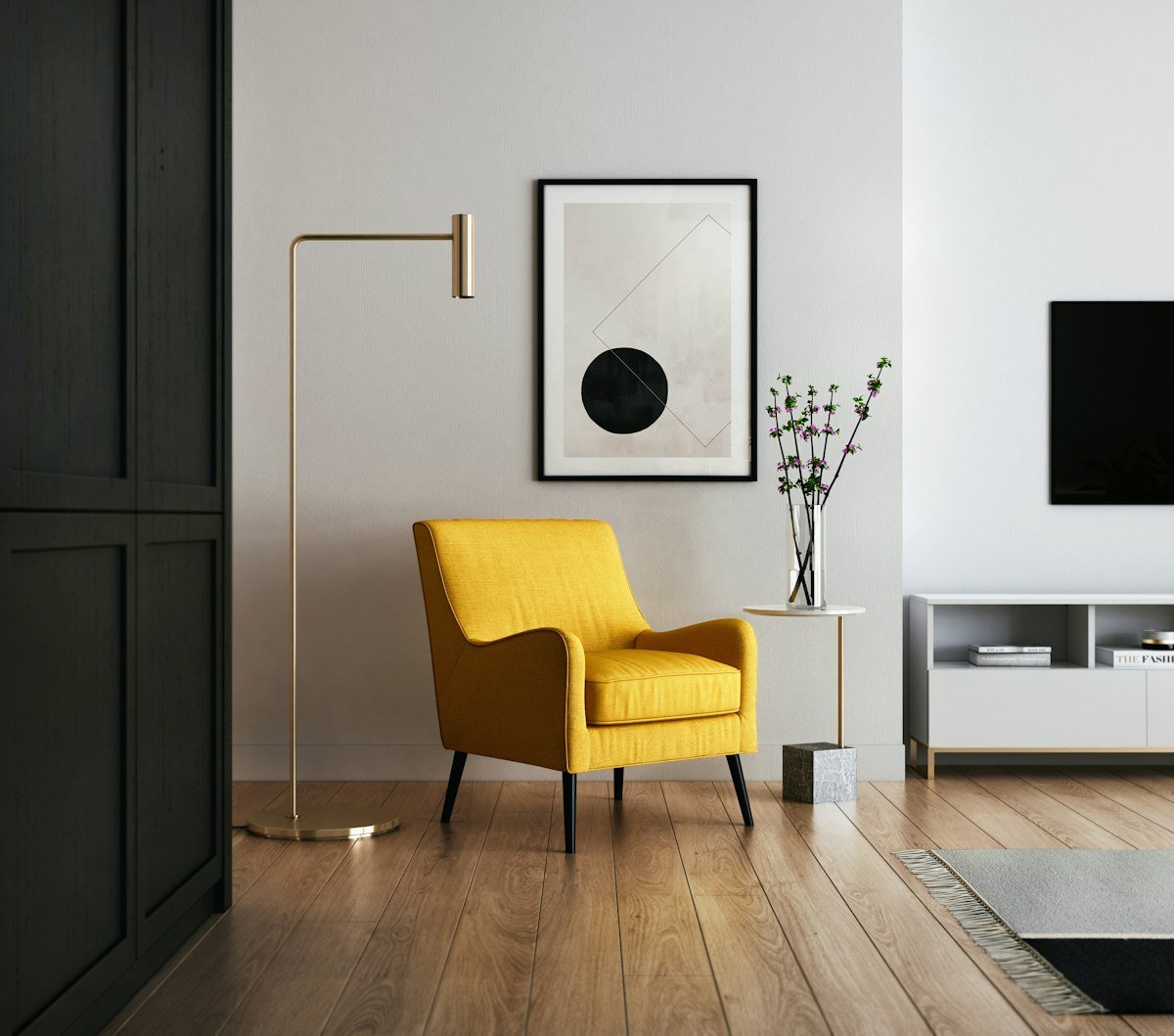
Match the template to how you actually sell. A designer who wins work through referrals and Instagram needs little more than a beautiful gallery and a contact form, while a practice competing on search needs service pages, location pages, and a blog.
Be honest about your photography too: minimal editorial layouts are unforgiving, and if your project shots are inconsistent, a warmer archetype with more supporting copy will serve you far better.
Because an interior design site is fundamentally a portfolio, it is worth reading our wider guide to the best portfolio website templates for structural ideas that apply across every creative discipline.
Features that win interior design clients in 2026
The interior design sites that convert this year lean on the same handful of tools. A hero image that establishes your aesthetic within one second. Project pages that tell a story the brief, the constraints, the decisions rather than presenting photographs without context.
Before-and-after comparisons wherever you have them. Clear service tiers, so a visitor knows whether you are a fit before they enquire. Visible testimonials with real names and locations. And a persistent, low-friction way to get in touch.
Underpinning all of it: speed. Interior design sites are image-heavy by nature, and an uncompressed gallery can take ten seconds to load on a phone, by which point the enquiry is gone. Since your photographs are the product, our guide to photography website templates covers the image-handling and gallery patterns worth borrowing.
Who each template suits
To make the shortlist quicker, here is the quick match:
- A dedicated interiors studio: Forma. Purpose-built, and nothing else on the list fits as neatly.
- A multidisciplinary creative practice: Atelier, which does not pigeonhole you as interiors-only.
- Structural, architectural, or technical work: Axis, for its plan-and-drawing-friendly grid.
- High-end residential with strong photography: the Minimal Editorial archetype.
- Family-home and renovation work: the Warm Residential or Before-and-After archetypes.
- Hospitality and luxury commercial: the Luxury Interiors archetype.
- Remote, packaged services: the E-Design archetype.
Common mistakes interior designers make online
Even a beautiful template can be undermined by a few avoidable slips. Watch for these as you build:
- Uploading full-resolution camera files straight into the gallery, which turns a fast template into a slow site.
- Showing twenty projects when five strong ones would be more persuasive a portfolio is judged on its weakest entry.
- Omitting any indication of price or service scope, which wastes your time on unqualified enquiries.
- Hiding the contact form at the bottom of a very long page with no repeated call to action.
- Writing captions that describe the room rather than the decision clients hire thinking, not furniture.
- Skipping alt text on every image, which costs you both accessibility and search visibility.
How much do interior design website templates cost?
This is where premium templates make an unusually strong case. The templates above are one-time purchases in the $29–$34 range less than most designers spend on a single sample order.
Compare that with the alternatives: a bespoke portfolio site from a freelance developer typically runs $2,000–$8,000 and takes six to ten weeks, while a hosted site-builder subscription costs $16–$50 every month indefinitely and still leaves you arranging blocks yourself.
With a template you pay once, own the files, and can hand them to a developer later if you outgrow them. Your only ongoing costs are hosting and a domain, which together run a few dollars a month.
How to launch your interior design site fast
Because the design work is already done, most of the effort goes into curating your own material:
- Choose and download: your template from the Themestations creative collection.
- Select five to eight projects: your strongest work only and compress every image before you upload it.
- Write a short story for each project: the brief, the challenge, the decision that made it work.
- Fill in your services and rough pricing: even if it is only a starting-from figure.
- Add two or three testimonials: with full names and neighbourhoods.
- Connect your enquiry form: and test that it actually sends.
- Check every page on a phone: then publish.
Follow those steps and a polished interior design portfolio can be live within a couple of days.
Why choose Themestations for your design portfolio
Themestations templates are built as clean, standards-based HTML and CSS rather than bloated page-builder exports, which is why they load quickly even on image-heavy portfolio pages.
Every template is a one-time purchase with no subscription, you receive the full source files, and you can host them anywhere a $3-a-month plan is genuinely sufficient.
For interior designers specifically, that combination matters: you get a site that looks like it cost thousands, loads in under two seconds, and does not quietly bill you every month for the privilege. Browse the full creative collection to compare the options side by side.
Frequently asked questions
Do I need coding skills to use these interior design website templates?
No. Each template is standard HTML and CSS, so you replace the placeholder text and images in any code editor or hand the files to a virtual assistant for an hour. If you would rather avoid files entirely, our guide on how to make a website without coding walks through the alternatives step by step.
How many projects should my interior design portfolio show?
Five to eight is the sweet spot. Visitors judge your work by its weakest entry, not its strongest, so a tight edit of your best projects is far more persuasive than a comprehensive archive. Add a new project only when it is better than the one it replaces.
Should I include my prices on an interior design website?
At minimum, indicate scope and a starting-from figure. It costs you nothing and filters out enquiries that were never going to convert, which saves hours of consultation calls. Designers who publish rough pricing consistently report better-qualified leads.
How do I keep an image-heavy interior design site fast?
Compress every photograph before uploading aim for under 300KB for full-width images use modern formats where possible, and lazy-load anything below the fold. A well-built template handles the rest, but no template can rescue a page carrying 20MB of raw camera files.
Can I use one of these templates for a small studio with several designers?
Yes, Forma and Atelier both include team and about sections designed for multi-person studios, so you can present individual designers alongside a unified practice identity without any structural changes.
Show your work the way it deserves
Interior design is judged on presentation, and your website is the first room a client ever walks into. Browse the creative templates collection at Themestations, start with Forma if interiors are your core business, and have a portfolio live that finally does your projects justice.
Ready to launch your own site?
Browse 100+ premium website & Shopify templates — one-time, from $19.
Browse all templates →